RL Control Routine
This document will provide a simple example of reinforcement learning controlling G1. The following describes how to use the isaac_gym simulation platform to train the G1 control algorithm.
Hardware preparation
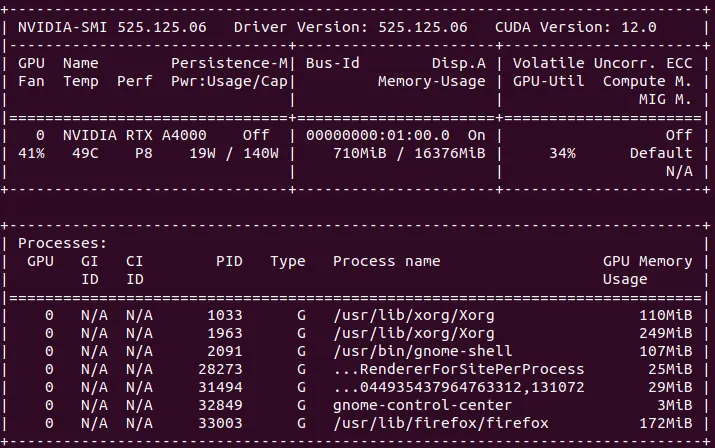
Section titled “Hardware preparation”Since the isaac_gym simulation platform requires CUDA, this article recommends that the hardware needs to be configured with an NVIDIA graphics card (video memory >8GB, RTX series graphics card) and the corresponding graphics card driver installed. It is recommended that the system use ubuntu18/20, graphics card driver version 525
Environment configuration
Section titled “Environment configuration”It is recommended to configure this environment in a virtual environment conda.
- Create a virtual environment
conda create -n rl-g1 python=3.8- Activate virtual environment
conda activate rl-g1- Install
CUDA,pytorch
pip3 install torch==1.10.0+cu113 torchvision==0.11.1+cu113 torchaudio==0.10.0+cu113 -f https://download.pytorch.org/whl/cu113/torch_stable.htmlNote that the numpy library version should not be too high. It is recommended to install version 1.23.5.
- Download the Isaac Gym Preview 4 simulation platform, unzip it and enter the
pythondirectory, and usepipto install it.
pip install -e .- Run the routines in the
python/examplesdirectory to verify whether the installation is successful.
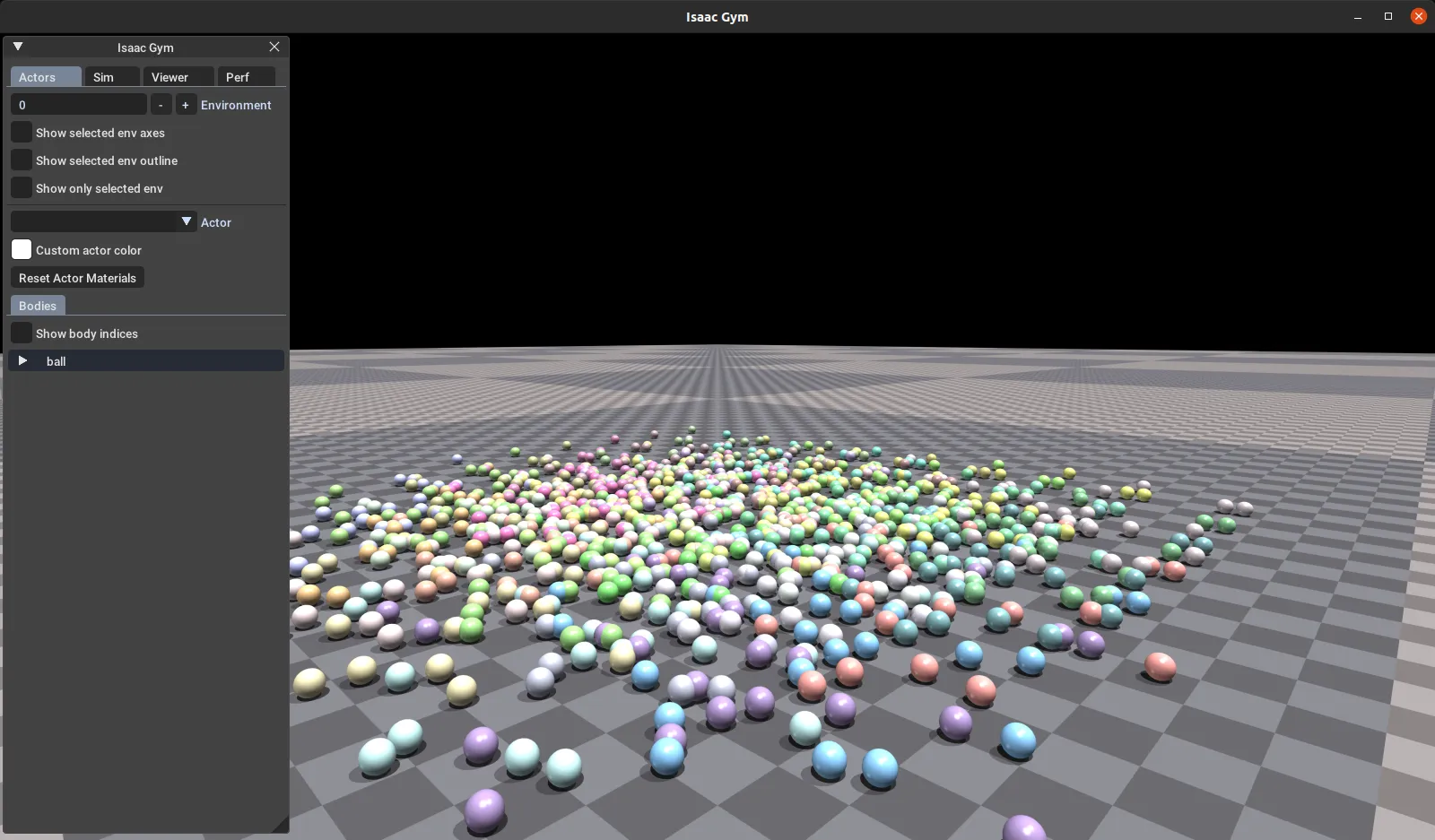
python 1080_balls_of_solitude.pyIf the installation is successful, you will see the following window.
 6. Install
 rsl_rl library (use v1.0.2)
git clone https://github.com/leggedrobotics/rsl_rlcd rsl_rlgit checkout v1.0.2pip install -e .Model training usage
Section titled “Model training usage”- Download Unitree official sample code
git clone https://github.com/unitreerobotics/unitree_rl_gym.git- Modify
legged_gym/scripts/train.pyandsys.path.append("/home/unitree/h1/legged_gym")inlegged_gym/scripts/play.pyMake your own path. - Activate the reinforcement learning virtual environment
conda activate rl-g1- Switch to the
legged_gym/scriptsdirectory, execute the training instructions, and start training.
python3 train.py --task=g1Modify the args.headless parameter in the train.py file to turn on or off the visual interface.
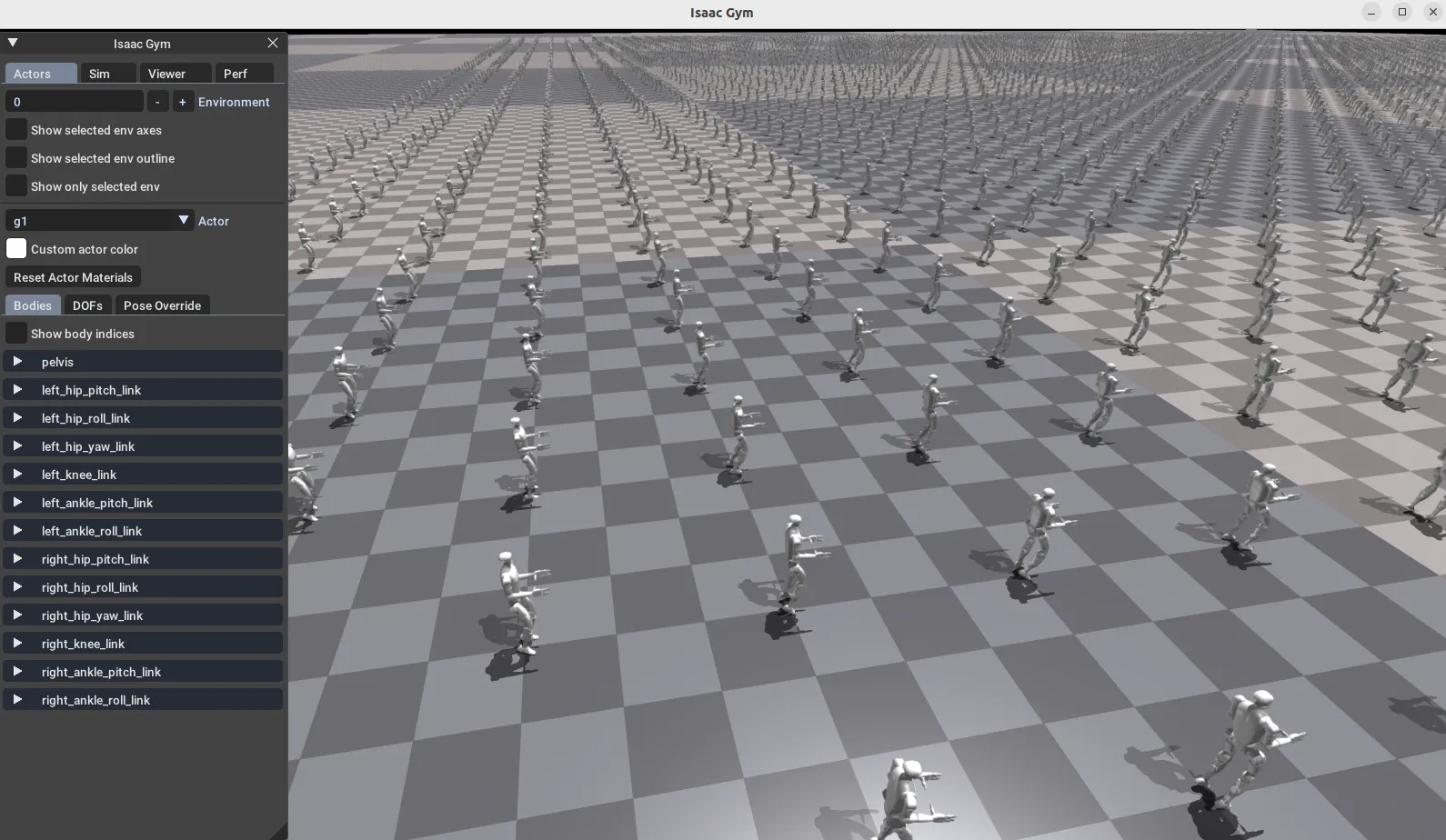
isaac_gym When the following interface appears, training begins.
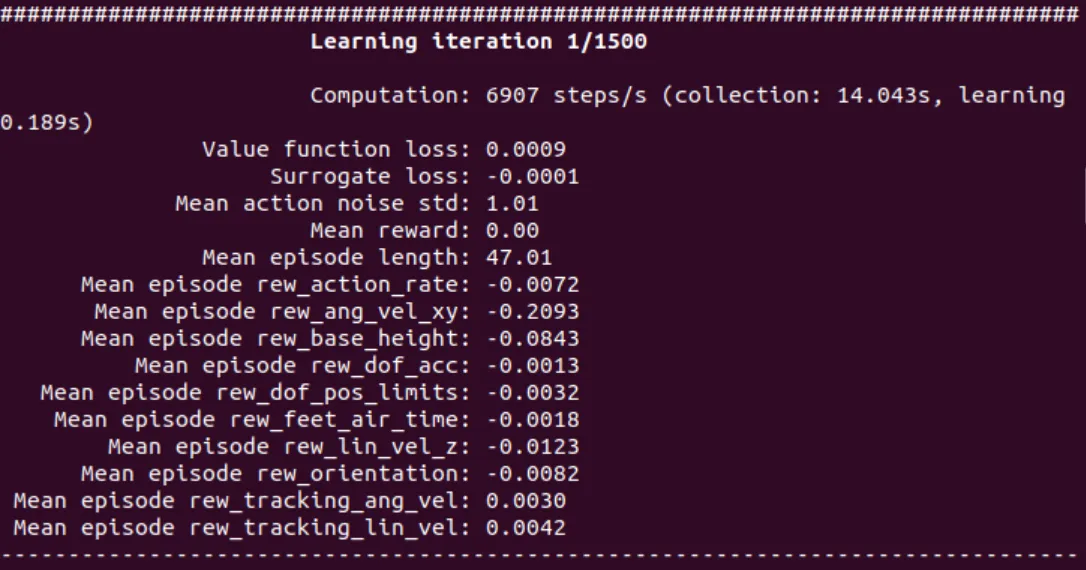
The terminal output window is as follows:
After training 1500 times, run the test instructions.
python play.py --task=g1